One platform for games, learning, and play – across all subjects and target groups.
MyFloor is your platform for creating games and activities – for learning, training, entertainment, and communication. Tailor the experience to your specific audience, regardless of age or subject area.
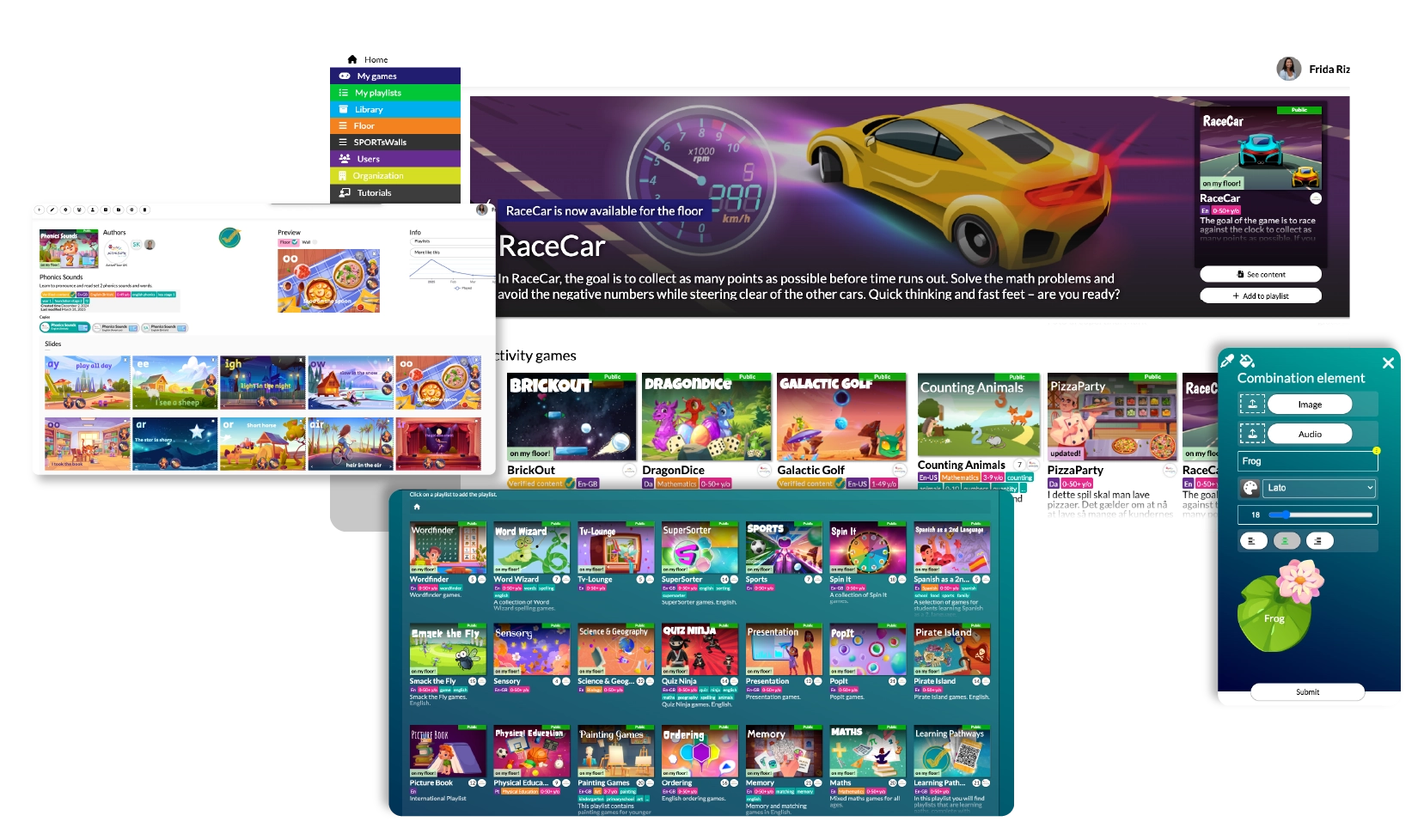
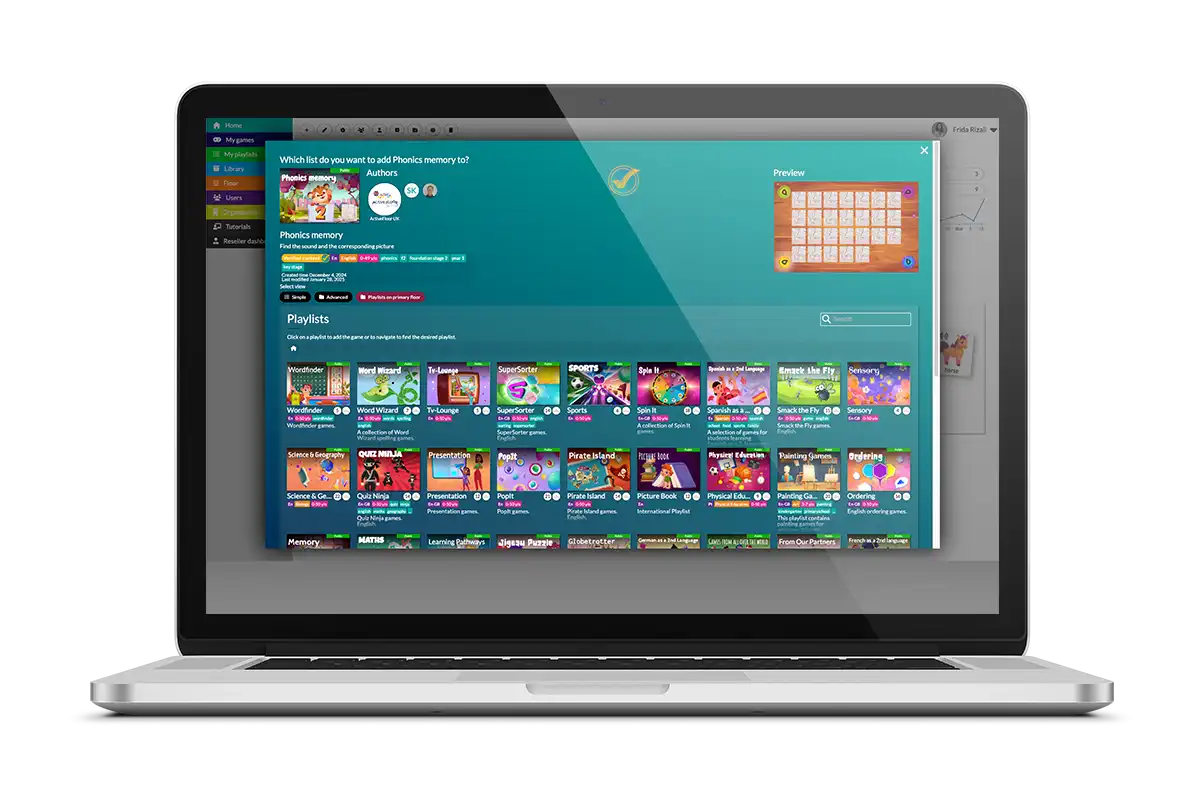
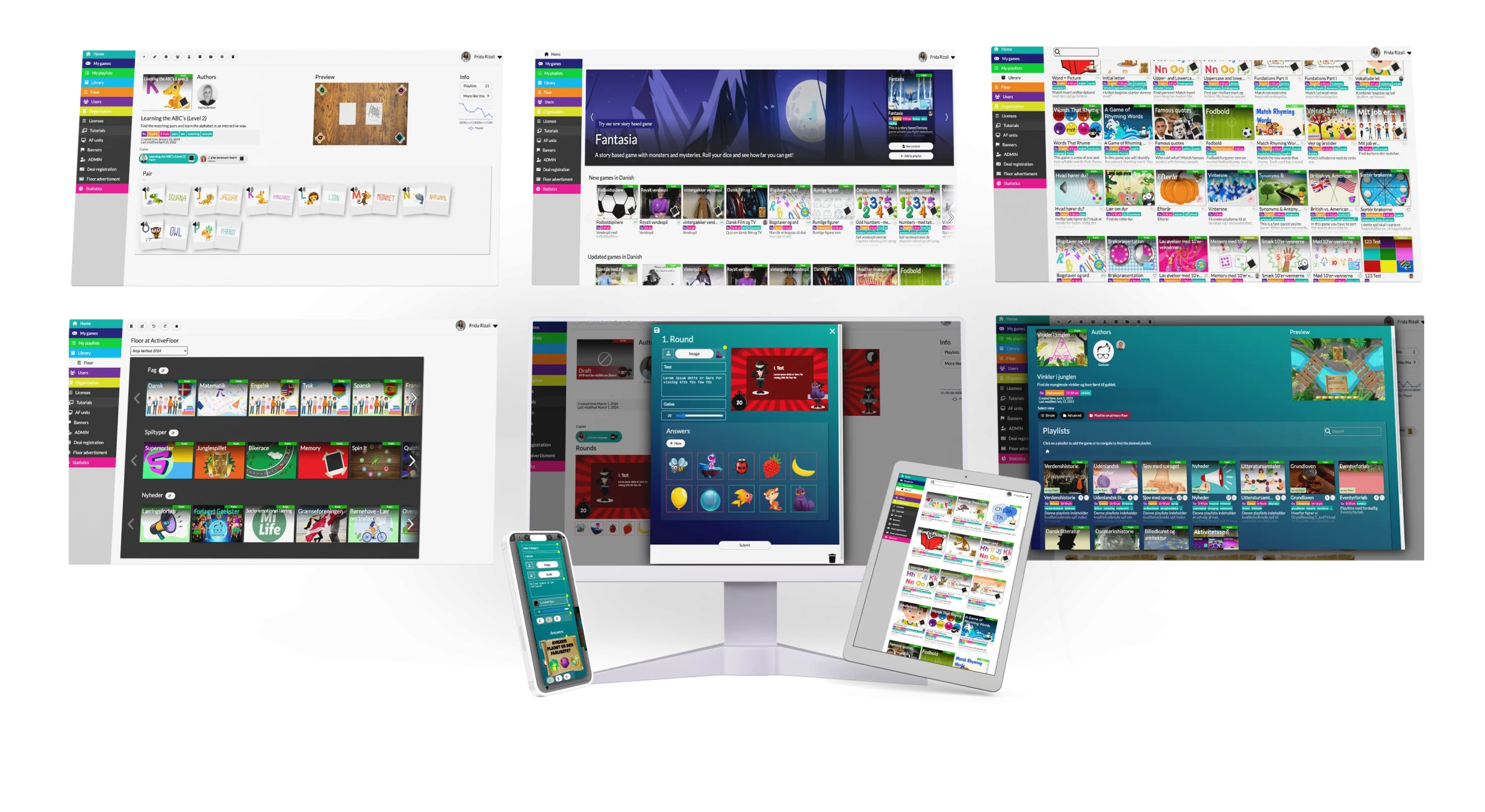
With MyFloor, you gain access to our unique and flexible system, allowing you to work with a wide range of game formats. Choose from ready-made game templates or customise them with your own images, questions, text, and sound – no technical skills or long preparation time required.
USER-FRIENDLY
If you can use PowerPoint, you can use MyFloor – building and editing games is simple and intuitive.
MULTI-LANGUAGE SUPPORT
MyFloor supports multiple languages, making it easy to work in both national and international environments.
ACCESS & LOGIN
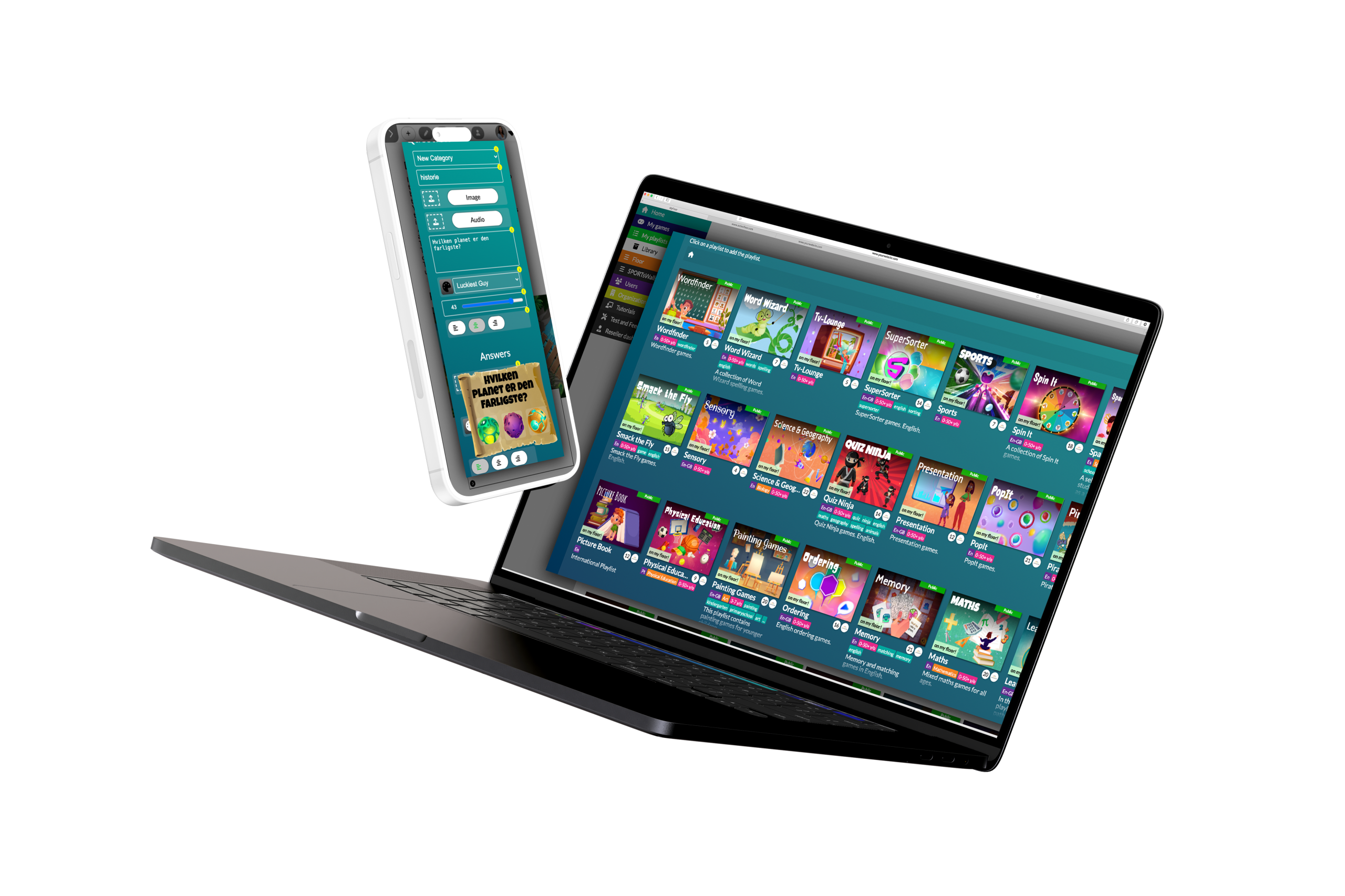
Log in with your personal licence and access MyFloor directly from your browser – on both computer and tablet.
SUPPORT & HELP
We are always ready to help – by phone or through the many guides and tutorials available in MyFloor.
BE CREATIVE – WITHOUT TECHNICAL LIMITATIONS
With MyFloor, you gain access to our unique and flexible system, allowing you to work with a wide range of game formats. Choose from ready-made game templates or customise them with your own images, questions, text, and sound – no technical skills or long preparation time required.
USER-FRIENDLY
If you can use PowerPoint, you can use MyFloor – building and editing games is simple and intuitive.
MULTI-LANGUAGE SUPPORT
MyFloor supports multiple languages, making it easy to work in both national and international environments.
ACCESS & LOGIN
Log in with your personal licence and access MyFloor directly from your browser – on both computer and tablet.
SUPPORT & HELP
We are always ready to help – by phone or through the many guides and tutorials available in MyFloor.
BE CREATIVE – WITHOUT TECHNICAL LIMITATIONS
With MyFloor, you gain access to our unique and flexible system, allowing you to work with a wide range of game formats. Choose from ready-made game templates or customise them with your own images, questions, text, and sound – no technical skills or long preparation time required.
USER-FRIENDLY
If you can use PowerPoint, you can use MyFloor – building and editing games is simple and intuitive.
MULTI-LANGUAGE SUPPORT
MyFloor supports multiple languages, making it easy to work in both national and international environments.
ACCESS & LOGIN
Log in with your personal licence and access MyFloor directly from your browser – on both computer and tablet.
SUPPORT & HELP
We are always ready to help – by phone or through the many guides and tutorials available in MyFloor.
HOW TO USE MYFLOOR – STEP BY STEP
See how to create, customise, and use games in MyFloor – from overview to a finished interactive learning game.
1
Overview of MyFloor
2
How do you create your own game?
3
A tour of the game library
1
Overview of MyFloor
2
How do you create your own game?
3
A tour of the game library
Create your own Globetrotter game
Create your own Memory game
Create your own PopIt game
Create your own Globetrotter game
Create your own Memory game
Create your own PopIt game
These games can be customised directly in MyFloor: BikeRace, BuzzIt, Globetrotter, Combi Frogs, Danger in the Jungle, DJ Lap, Jigsaw Puzzle, Memory, Ordring, Painter, Picture Book, Pirate Island, Pop It, Presentation, Quiz Ninja, Sakura, Smack the Fly, SpinIt, SuperSorter, TV-Lounge, WordFinder og WordWizard.
MyFloor is an online platform where you can create your own interactive games and activities – whether you work in a school, institution, library, museum, or any other setting.
You can customise the game content to match your target group, learning objectives, or themes – and it requires no special IT skills or technical background.
How do I create my own games?
It’s easy. Log in to MyFloor via computer or mobile and choose a game template.
Then add your own questions, images, audio, or videos. The platform can be used for everything from language learning, mathematics, and storytelling to team building, physical activities, and sensory-based learning.
What types of games can I create?
You can choose from 17 different game templates – with more on the way.
The templates cover a wide range of formats: quizzes, memory games, historical journeys, word games, and much more. You can freely combine your own images, audio, and text to make the games personal and relevant to your specific audience.
Do you need to be a teacher to use MyFloor?
No. The platform is designed for all professionals – not just teachers.
Whether you work with children, young people, or adults, you can use MyFloor to create fun and meaningful activities that activate both body and mind at the same time.
What if I’m not technically confident?
MyFloor requires no technical prerequisites – and we help you get started.
You receive a practical three-hour course where you learn how to create, edit, and copy games. After that, you’ll be ready to customise games independently and actively contribute to developing learning through play and movement.
Can children and young people create their own games?
Yes. MyFloor is also a creative tool for children and young people.
They can produce their own content, for example as part of homework or project-based learning. It gives them the opportunity to use their imagination, collaborate with others, and learn by creating.
Can I change the visual design of the games?
Yes – with our “skins,” you can give the games a completely new visual look.
You can easily change the design without affecting the functionality. This makes it possible to adapt games to different themes, seasons, or target groups while creating recognition and engagement.
BEGIN YOUR JOURNEY NOW
Do you have questions, need input, or would like to hear how our interactive learning universe can make a difference for you? Write to us – we’re always ready for a conversation that sparks new ideas.
Your message won’t disappear into cyberspace – we respond quickly and personally.
Contact us
We use cookies to ensure that we give you the best experience on our website. If you continue to use this site we will assume that you are happy with it.